



The add-on function helps you to Restrict Back-end User for specific IP Address or IP Range
Through the addition, you can control specifying the Internet networks through which the control panel can be used by specifying the IP range for each user of the system.
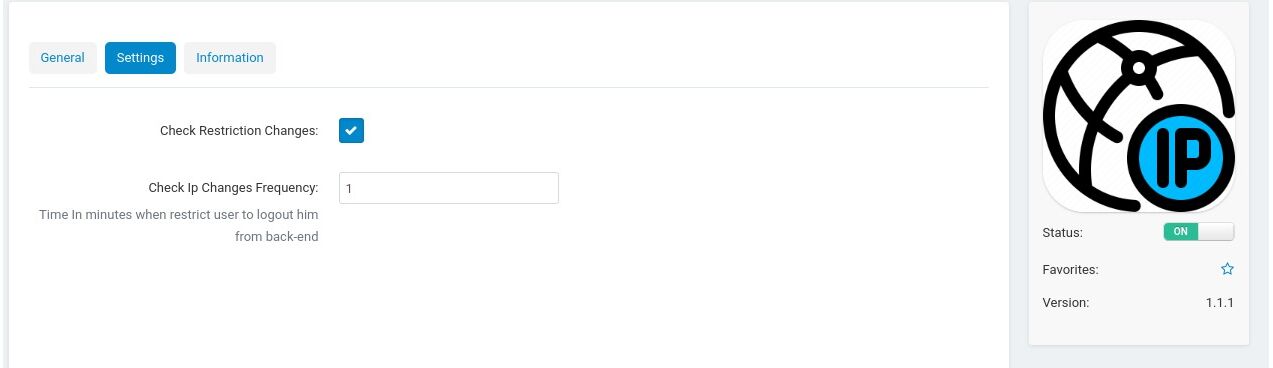
You can also control in real time when the user's IP range is changed. If he is using the background interface at the same time, the user will be automatically expelled according to the settings assigned to that.
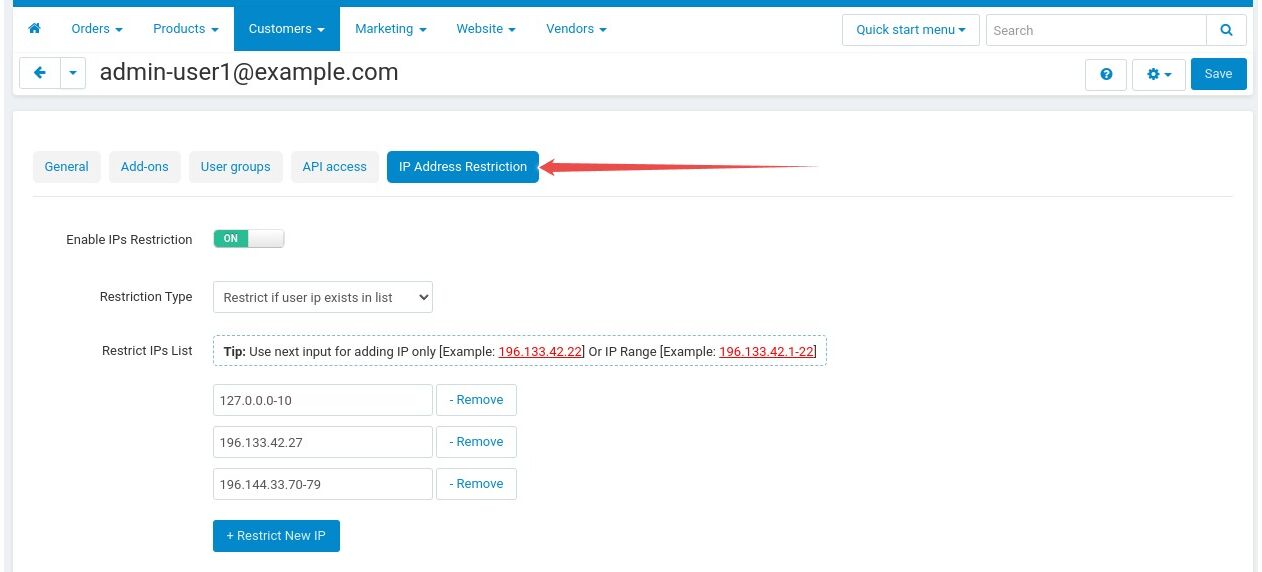
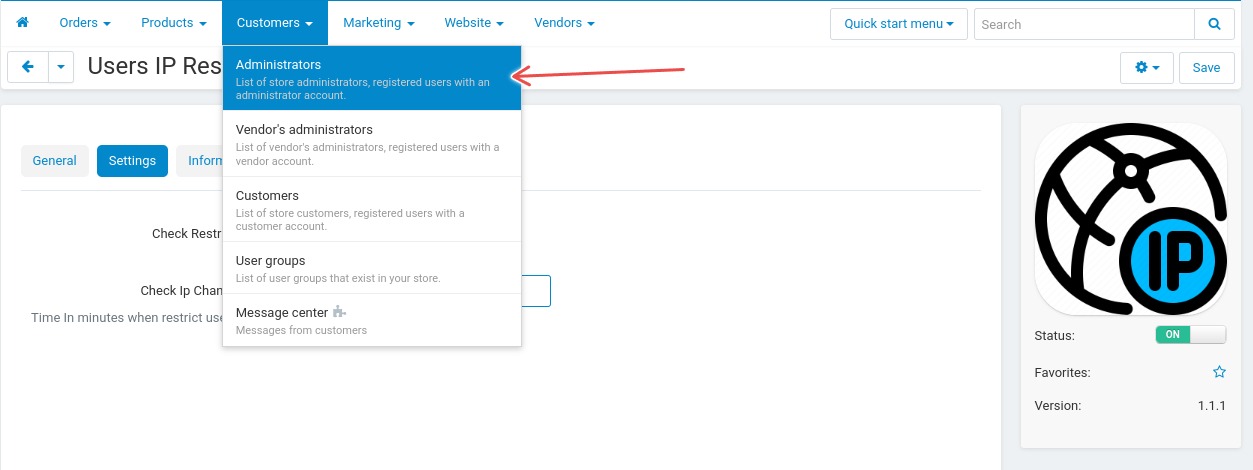
1- Enable IP Restriction Tab from admin user profile
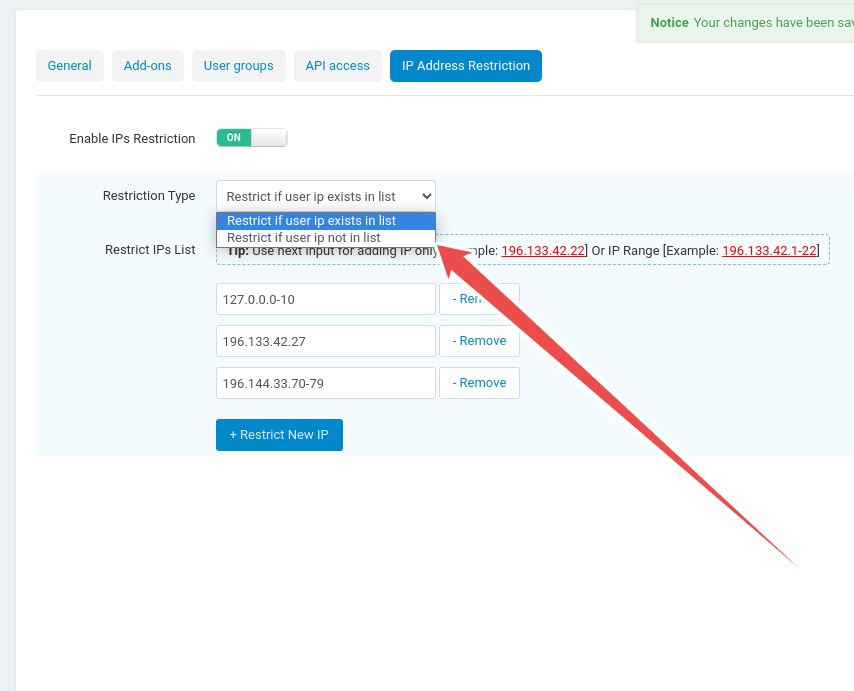
2- Select Restriction Type
3- Set IP Addresses Or IP Range Or Both for example Office IP range [22.661.33.0-225]
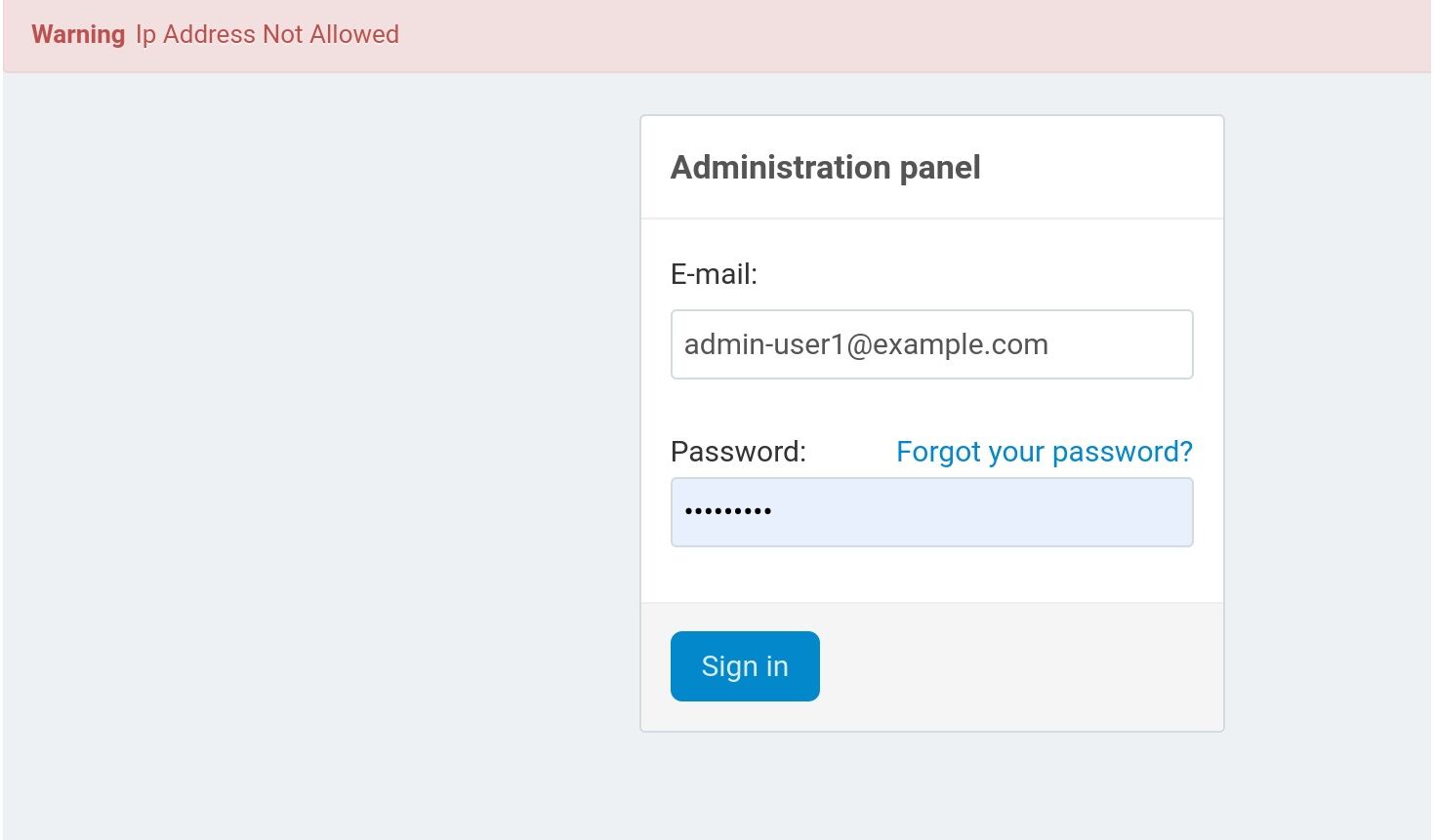
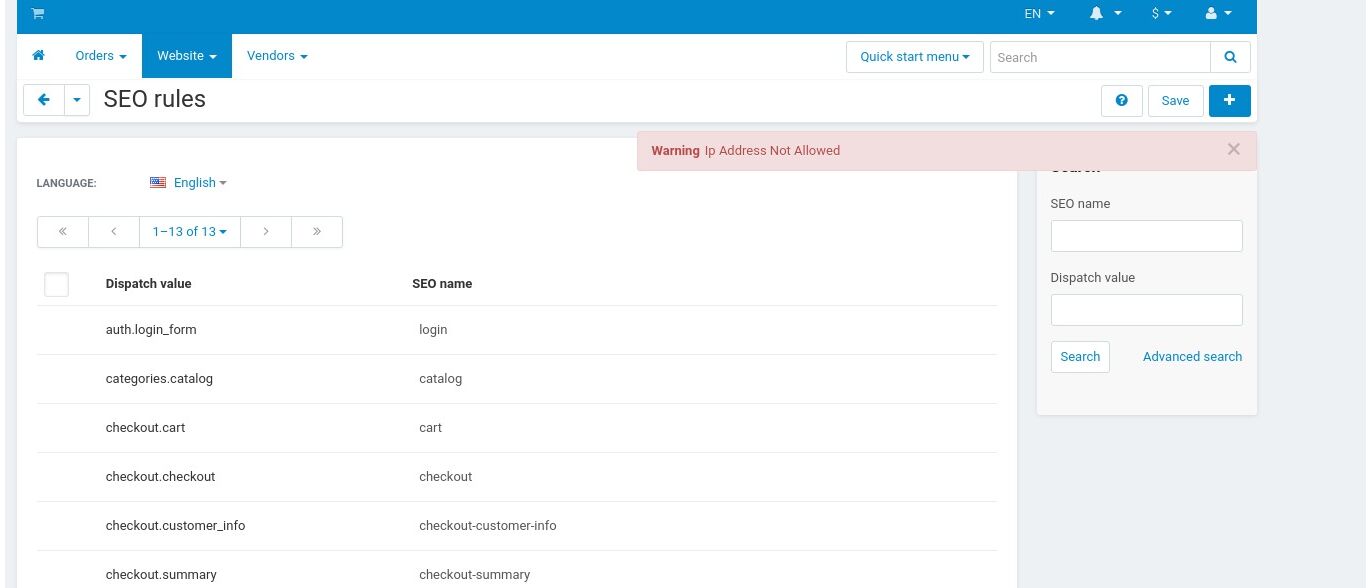
4- Admin Cannot access back-end outside IP Range
5- IP Restriction Will be Customized for each Admin User in back-end
No reviews found