
Fill out my online form.




Please sign in so that we can notify you about a reply
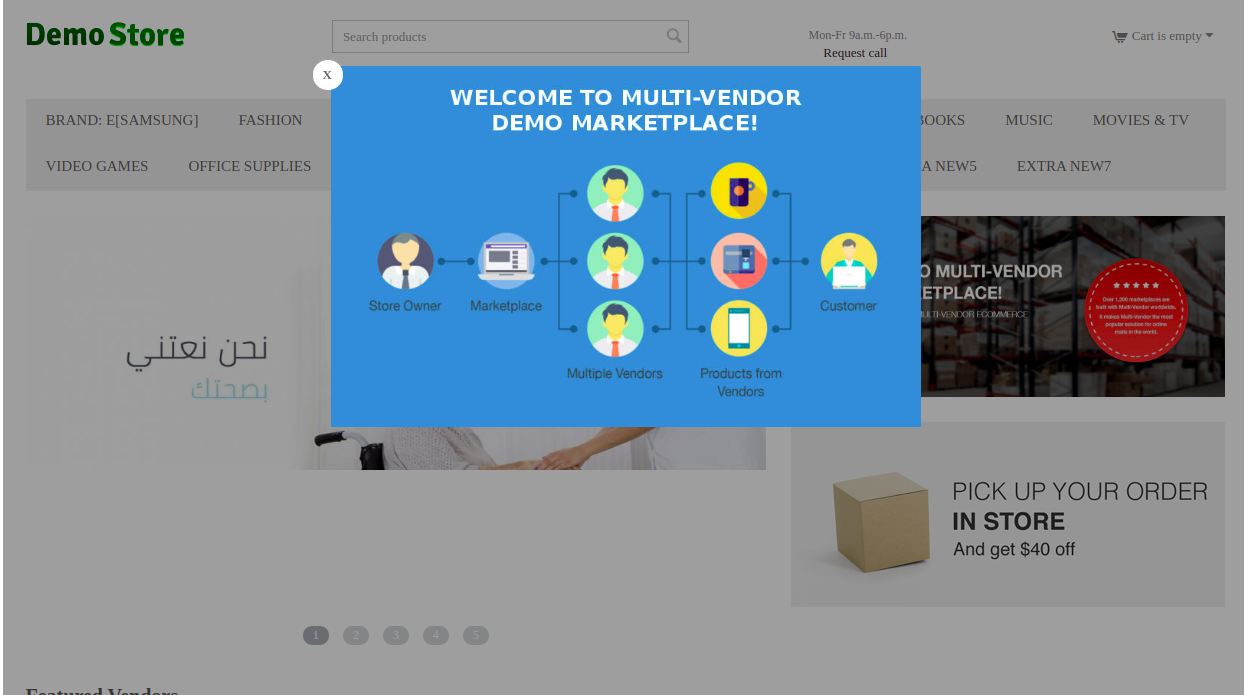
A Popup Box Add-on is a screen that automatically appears on the website when the user is browsing.
Through it you can display notifications, offers, and registration lists.
In a competitive market like CS-Cart, it's important to increase the rate of visits to the site, This depends on the visitors and those who aim to be a buyer, follower, etc.There are many measures such as design and marketing, and one of most influential things is Popup Box Add-on.
Using Popup Box Add-on, you can design wonderful screens with different designs on your site.
Advanced Features
- The ability to add content in more than one way, such as forms, block.
- The ability to add a Popup Box to any page on your site.
- The ability to change the Popup Box content and choose the appropriate website design.
Installation steps
- Download Popup Box Add-on.
- Open your CS-Cart dashboard.
- Go to Add-ons - Manage Add-ons.
- Click the upload & install Add-on button.
- Use the choose file button to select the Popup Box Add-on.
- Click the install & upload button.
- Wait until the check of the rights to record files is completed. The installer will inform you if you don't have permissions. Set Permissions.
Settings Options
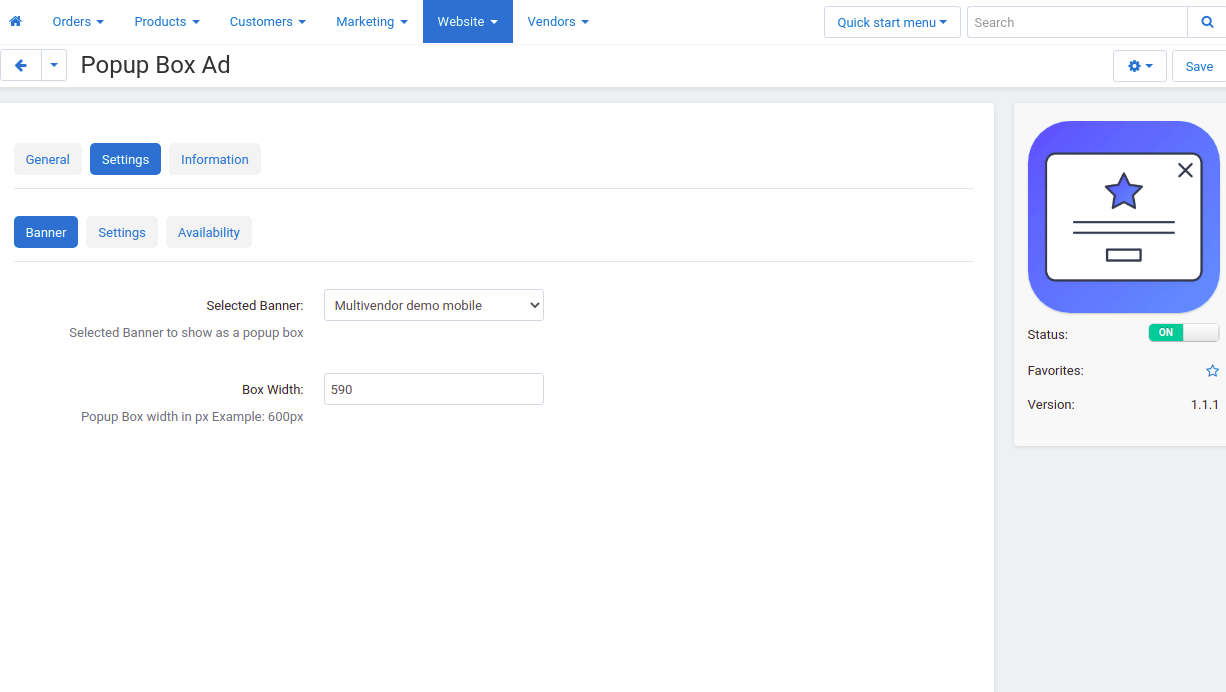
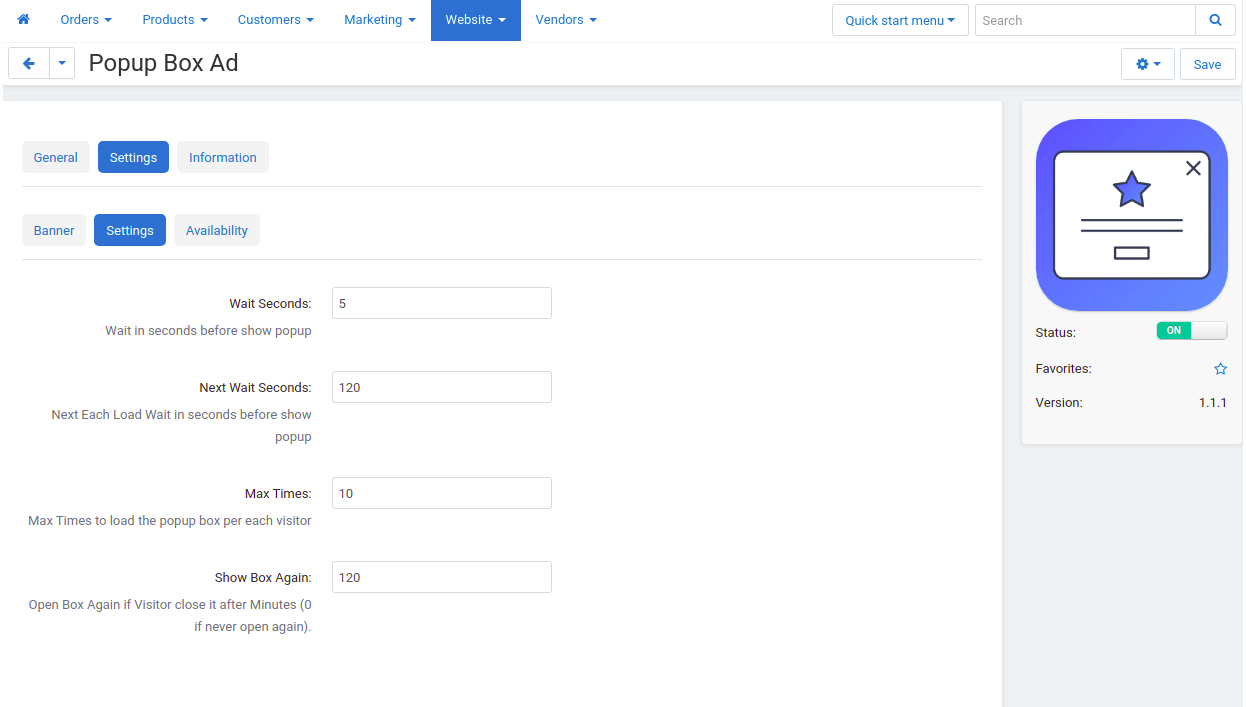
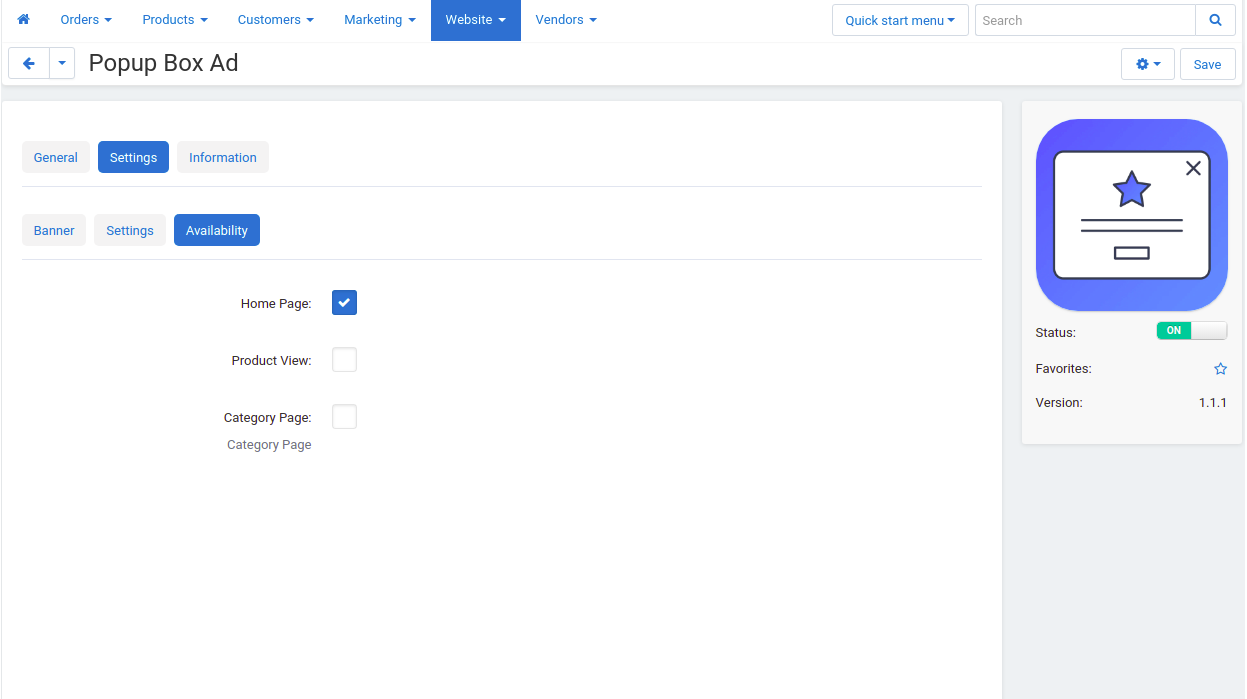
- After installing the Popup Box Add-on, you will find three tabs Available: Banner, Settings, Availability.
- Banner tab:
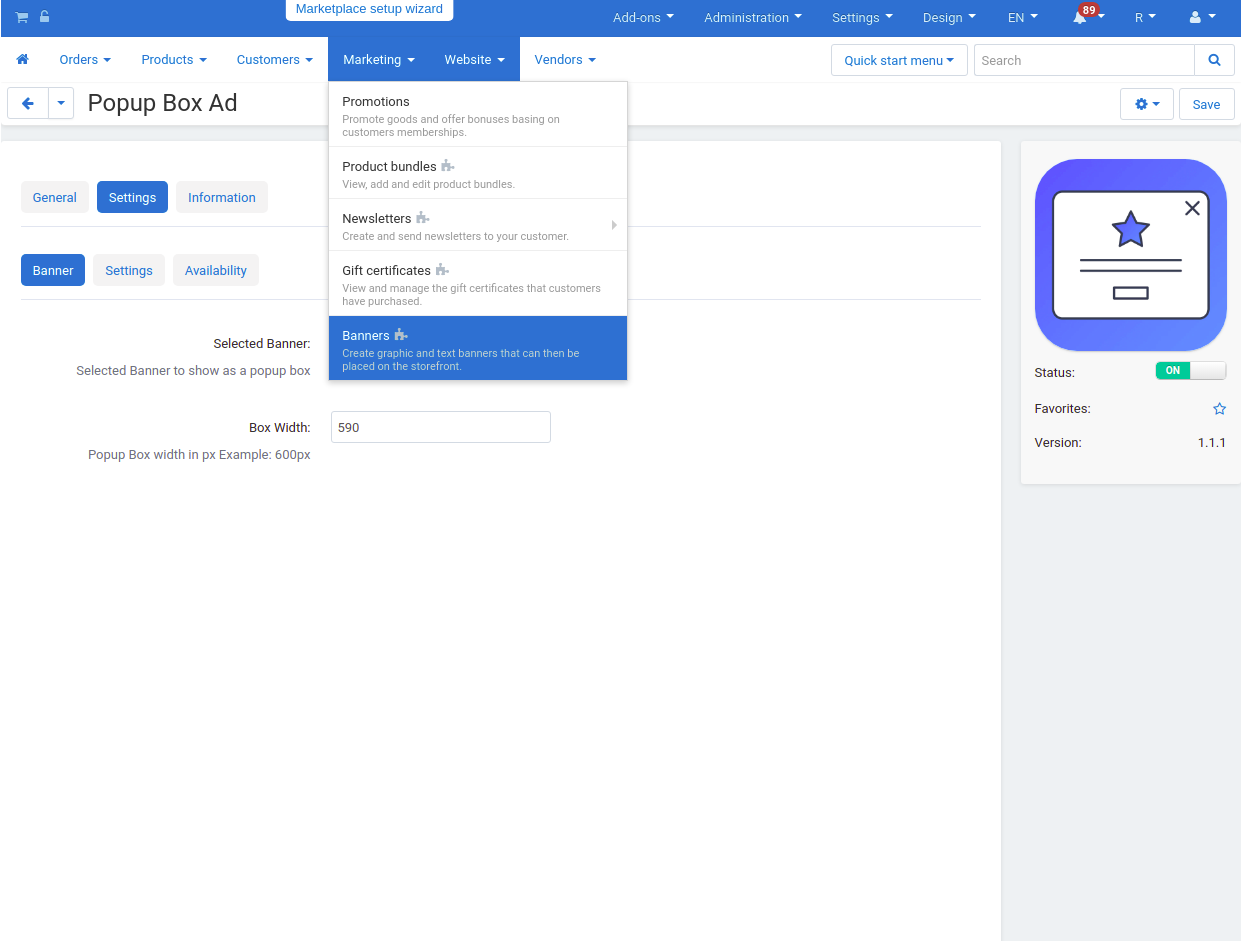
Selected Banner: choose the banner you want to use. - Box Width: enter the width.
No reviews found